Description
A signal event stops the process until it receives a signal from another process.
Purpose of object
A signal event is used to wait for a specific signal-type which is sent from another process.
Create
-
Create a process model
-
Then point the mouse on "process", as default, this field is on the right side of the Orchestra window.
-
Click on the folder intermediate events to see its content.
-
Click on "signal".
-
Click on any place in your process model.
-
Click on the signal to specify the incoming signal.
Icon

Signal
Configuration
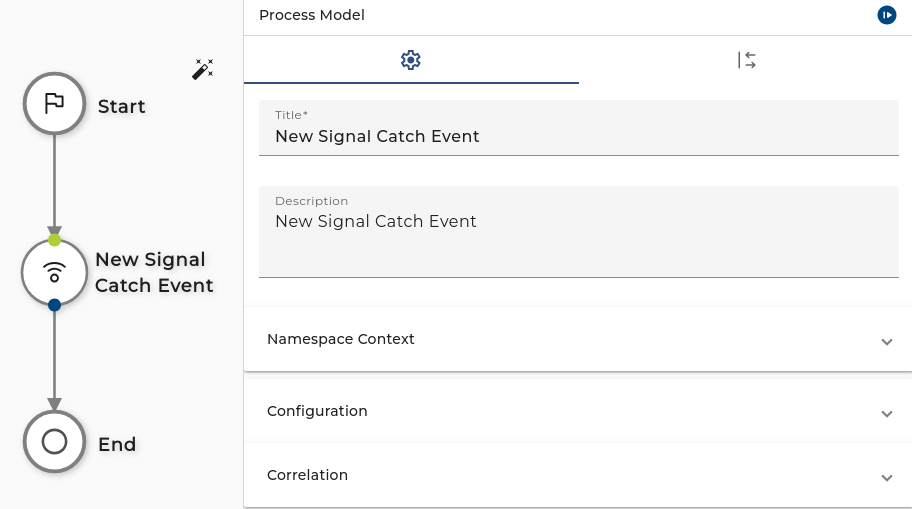
Process signal: Choose an appropriate signal
Choose a subscription: Choose transistent for signals to expire when scenario is inactive, or choose persistent to save signals in a queue, while scenario is inactive.